




Cybersecurity
This is one of the first conversations we have with our clients. Are you digitally protected? Where are your security gaps? There is no longer a question of IF you need Cybersecurity, you do. We’ve seen companies with teams of one get hacked, so please know you aren’t too small to be at risk. We’ve created a suite of seven cybersecurity tools that address the major security red flags we have seen over the years. Best of all, we’ve tailored it to small businesses and made it affordable.
Password Managers
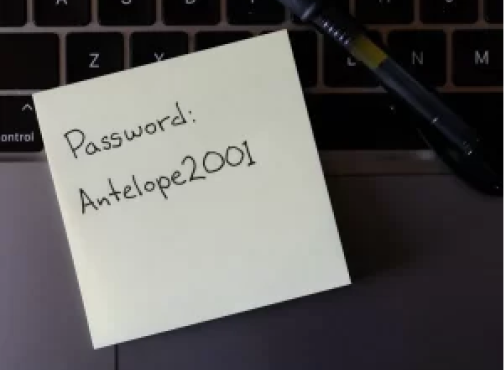
Long gone SHOULD be the days of having a password like “Password1” and/or using the same password for multiple websites, but many people still do it. We all have way more logins and passwords than we should be expected to remember, or that will fit on a post-it under your keyboard (yes, we know about that) and with a password manager we no longer need to. I personally have about 800 passwords saved in my vault, couldn’t tell you what any of those passwords are because they are intentionally complex and that is a VERY liberating feeling.

User Training
Phishing attacks aren’t going away anytime soon, and they’re becoming more sophisticated daily. Employee education is your best defense here.
The Anti-Phishing service we use will randomly send a very realistic-looking fake email to each employee once a month. If an employee clicks on anything they shouldn’t, they are sent to a website that politely explains what they clicked on and asks them to take a quick security test to better prepare them for the next fake email they will receive.
Best of all, the monthly reports will give each employee a “risk score” based on whether they click on the fake links each month and whether they complete the training videos.

REMOTE MONITORING AND ANTI-RANSOMWARE
This software helps you sleep better at night. It monitors your computers for hardware and software issues that may arise without your knowledge. If it finds a problem – for example, seeing a hard drive that is slowly failing – it will alert us to the problem so we can address it.
Secondly, this provides us with remote access to your computer whenever you need assistance. Remote access isn’t new or fancy, but I still love to recount the time I was remoted into someone’s computer, fixing their issue while in a plane flying across the Atlantic Ocean.
Additionally, it contains an anti-ransomware component, meaning if it sees that all of your files are suddenly being encrypted, as they are in ransomware attacks, it will stop that process in its tracks.

BACKUP OF EMAILS AND CLOUD DOCUMENTS
Most people assume that because their emails and documents are “in the cloud,” they are also backed up, but this isn’t true. Even Microsoft and Google recommend using third-party software to back up this data. We’ve definitely saved some clients’ bacon (mmmm… bacon) by having this in place. Time and time again, we have retrieved data that Microsoft and Google themselves couldn’t recover.
Multi-factor authentication
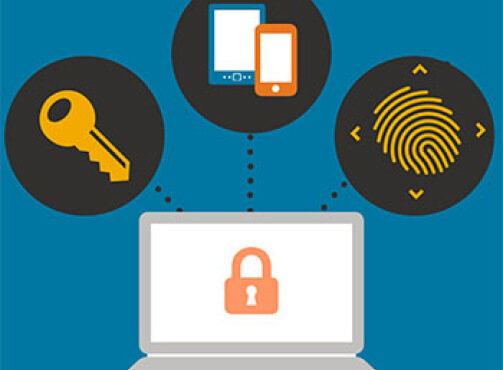
While having complex passwords for all of your services is a good start, it isn’t enough. Multi-factor authentication (MFA) or 2-factor authentication, as the name implies, provides an extra layer of security to log in to an account. There are a few ways that works, but typically they will go through your phone in some fashion. The idea is you always have your phone on you, and the hacker doesn’t, even if they’ve just cracked your password.
Your email service of choice, your social media sites, and any reputable cloud-based services all use these multi-step authentication tools in order to verify your identity when you log into your account. Some people elect not to set up this authentication step because it can be a hassle- you have to enter a code from your phone in a short time period, but despite how many steps are involved, setting up MFA can be the difference between getting hacked and staying secure. Most of the major breaches you’ve heard about in the news involved MFA not being in place.
Think of it this way, the extra step you have to take to log in makes it MUCH harder for a hacker to log in to your accounts. It’s akin to leaving your front door unlocked and hoping nobody tries to open the door. If they DO try and find the door locked, they will probably go to the next house. Cybercriminals think in much the same way.
DNS FILTERING
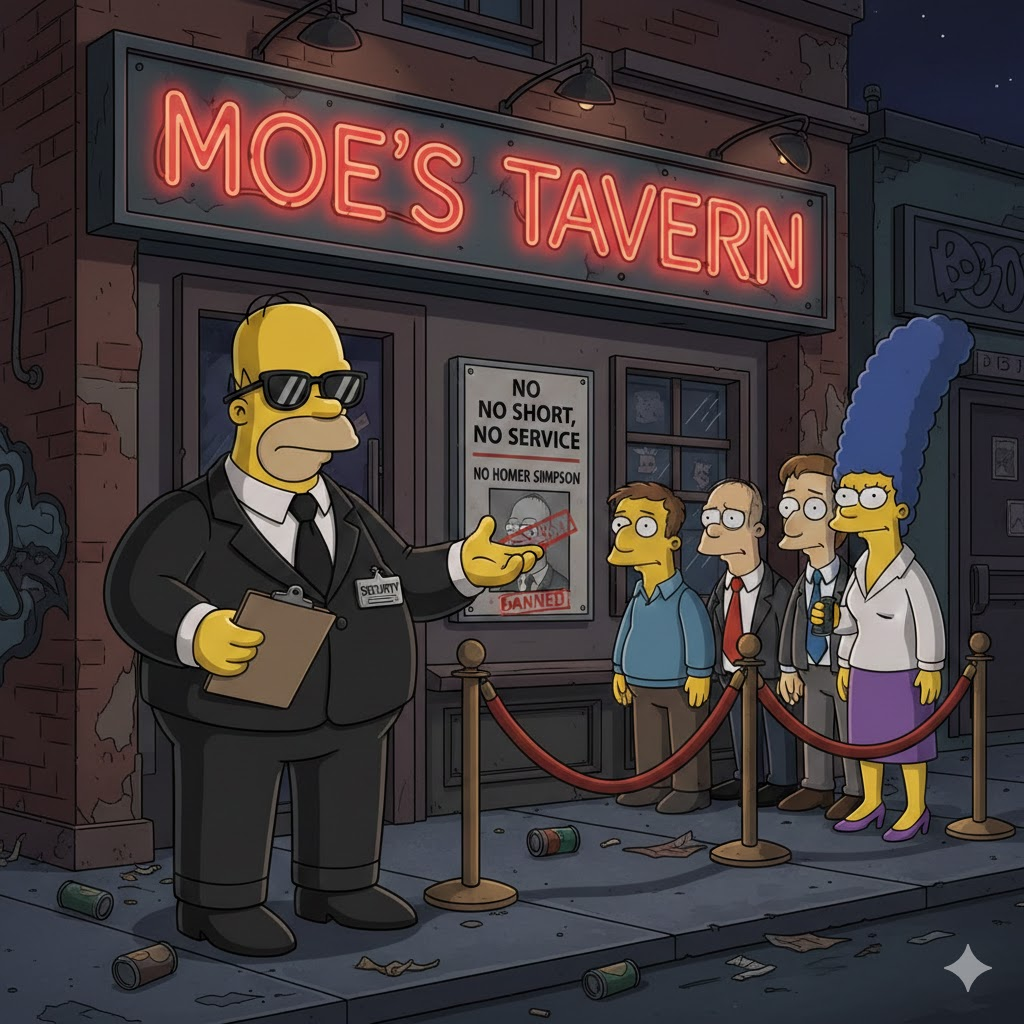
Regrettably, DNS doesn’t stand for “Donut Nutella Station”; (Ok, we’ve officially got a Homer Simpson vibe going now) it stands for Domain Name System. This software blocks your devices from accessing malicious sites. It protects you, largely behind the scenes, just as cyber attacks often attempt to happen behind the scenes and without your knowledge as well.
Additionally, you can block entire categories of websites. So if you don’t want your team accessing, say, gambling or porn sites on company-owned devices, you can do so with this software.
SPAM FILTERING
Ok, yeah, I’m just leaning into this Homer thing completely now. Thanks, Gemini!
Are you too busy? Looking for more time in your day? Then read on:
Microsoft and Google have pretty great spam filters, but they don’t catch everything. This software is an additional layer of protection for your inbox, helping keep it clean of malware, spam, phishing, and graymail. I think we can all agree we’d like to get fewer problematic emails.
Weekly reports show you the numbers of what was caught, broken down by each employee.

Anti-Virus Software
We are a reseller of Trend Micro anti-virus software. If you purchase Trend anti-virus through us there are several benefits.
- The program has a small footprint, meaning the program itself doesn’t slow the computer down like many other antivirus programs do
- We setup all computers to run a full antivirus scan once a week
- We get weekly reports of any abnormal activity happening on your computers
- We get the emails when the licenses are due to renew and handle the entire renewal process.
- The weekly scans, reports, and annual license are all centrally managed by Murph Consulting. Absolutely nothing to do on your end here except pay for the annual licenses.
Do you know you need cybersecurity protections in place, but don’t know where to start? Please reach out to us; this is exactly why we’re here.